



Read more about the Engage API rate limits.
Contact types
To track as much information as possible as a contact progresses from an unknown web user to a loyal customer, Engage uses contact types. This allows a unique data model for each phase. A contact type’s name is a handle that refers to a specific data structure. A contact type also has a display name which will be used in the UI. These display names must not be the same as the handle. The handle “Member” always exists when an Engage environment is created. The handle “Contact” is often added too. You can also add other user-defined contact types.- Member: This usually has the richest data model, where the person has given their consent and shared their information. This can sometimes be called “Customer” in the UI.
- Contact: This is mainly used for email lists such as “Newsletter subscribers” or “Prospects”. Typically this contact type contains only an email and some demographic data such as a country code.
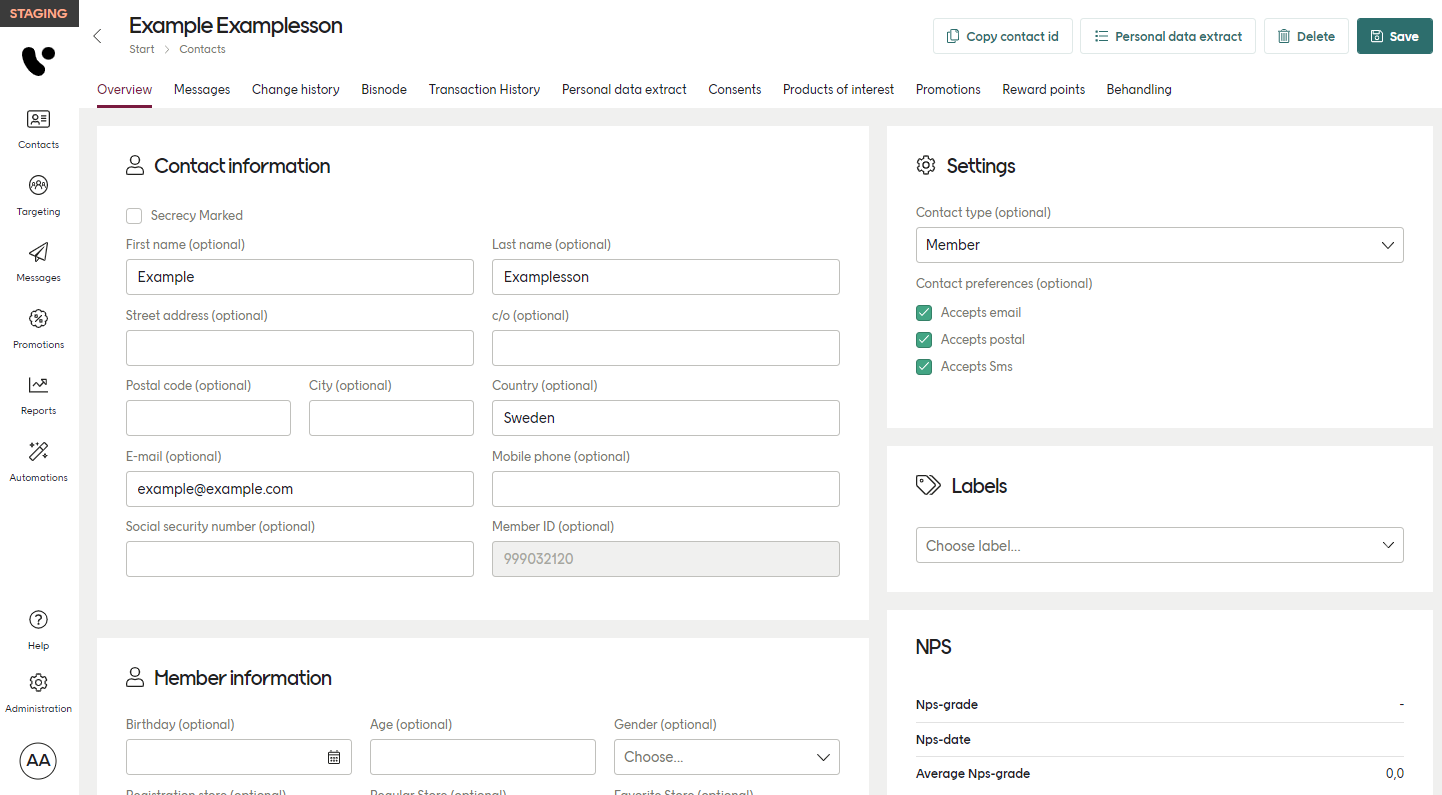
Data model
The amount of data connected to a contact type - the type’s data model - can be adjusted depending on your needs. Voyado and its partners can configure which fields should be included and can also add custom fields in the formats listed here.Public identifier
For every contact, one or more public identifiers are defined. This is unique data for every individual that can be used to identify them in a sales interaction. A mobile phone number is often used as a public identifier. In Sweden a person’s unique Public Identity Number is sometimes used. A pure player (e-commerce) will probably use email, but email is not really the best identifier in a physical store scenario, where information needs to be given quickly and correctly. Multiple lookups on different identifiers can be done on a POS system. The lookup fields used can also vary from installation to installation.Integration key
The integration key is used to link a customer to their interactions, most commonly through transactions. It is strongly advised to use a unique numerical value such as:- contactId: The contact’s unique identifier in Engage
- memberNumber: The value connecting a point transaction to a contact
- externalId: The contact’s unique identifier in an external system