


Setting up custom triggers
You can set up custom triggers yourself in Config Hub (the Engage configuration area).
Read more about Config Hub
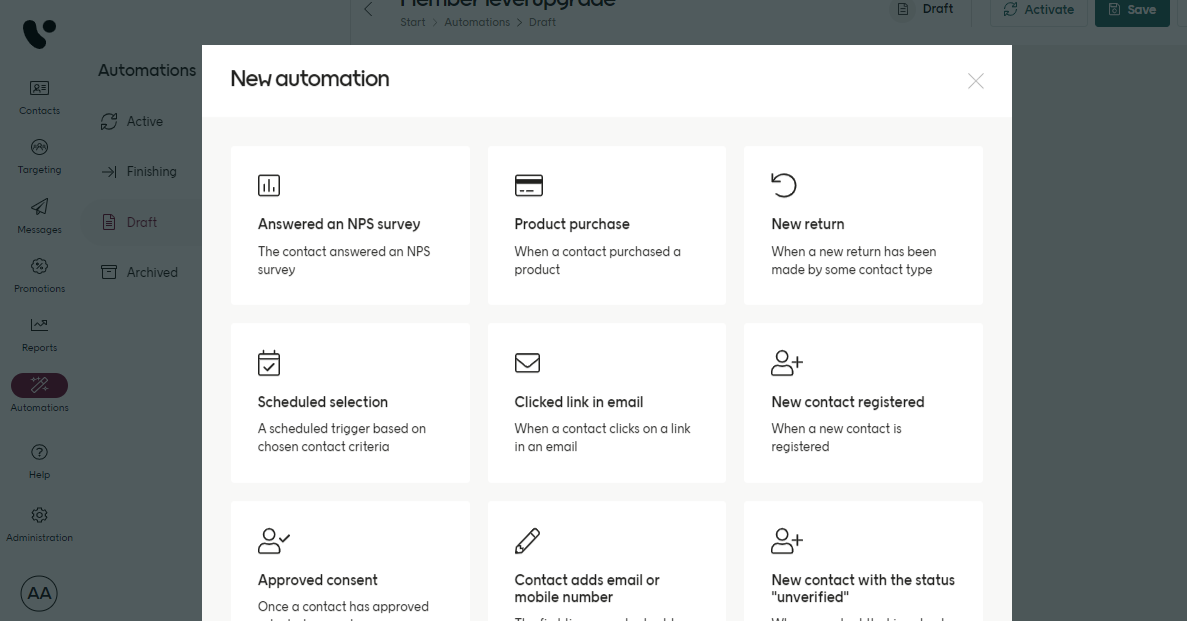
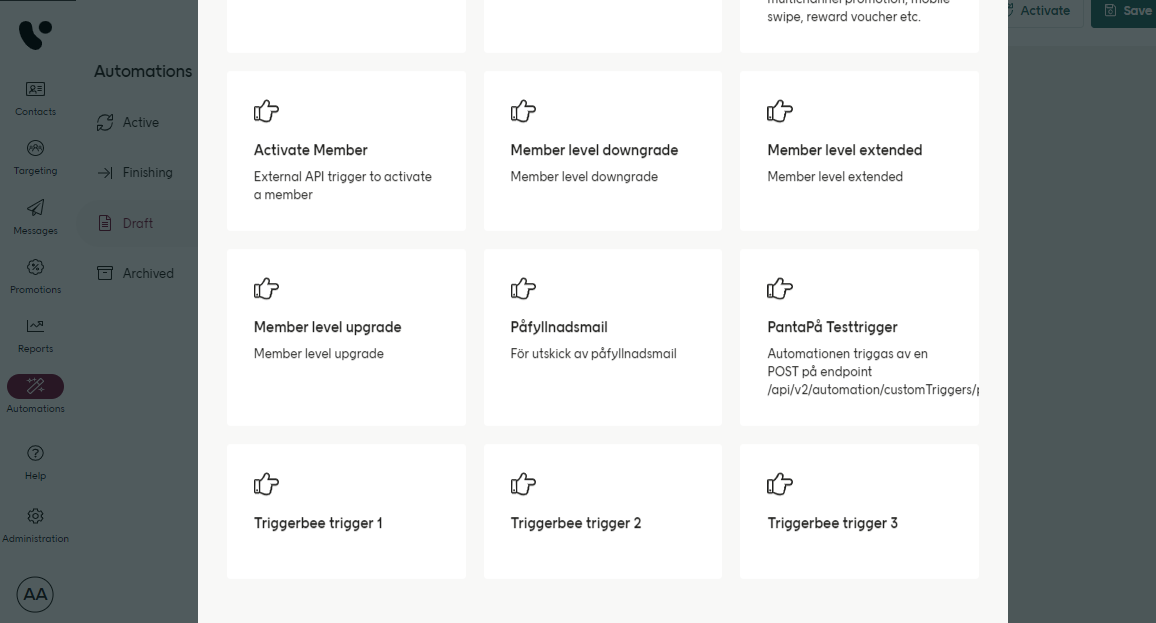
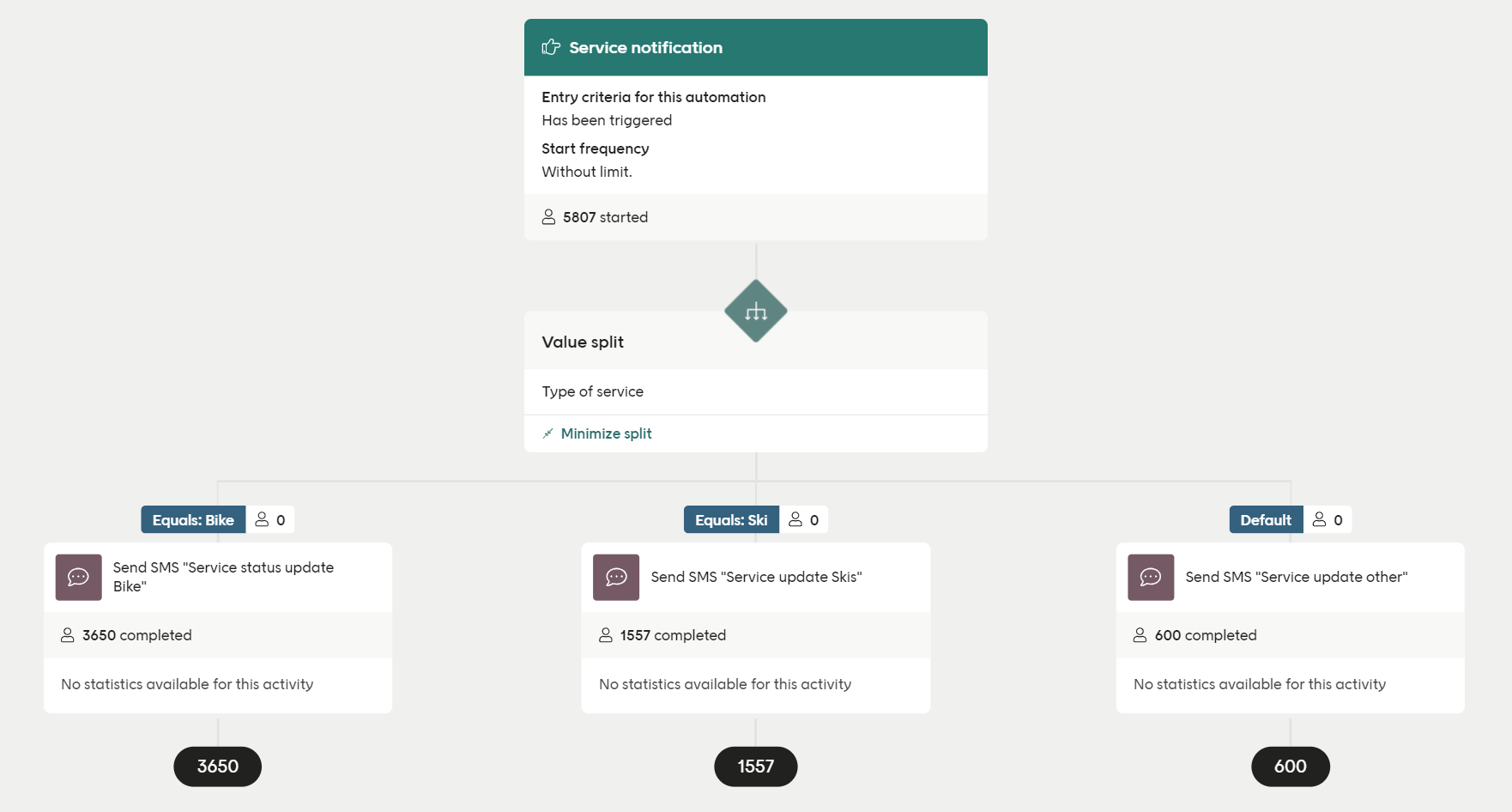
- They are called over the API using
triggerIdplus some identifier (contactIdor another key) - They can receive JSON data (data fields), the structure of which is defined per custom trigger
Using a custom trigger
In Engage, you can set up as many custom triggers as you want, as long as eachtriggerId is unique.
Some identifying value for the contact also needs to be sent (contactId or whatever is configured). The key used should be decided in collaboration with your Voyado team.
A custom trigger can only be triggered for an contact that exists in Engage.
There are a few ways to activate a custom trigger over the API, depending on what information you have:
If you know the contact ID
If you know contact type and the key identifer value
If you know the external contact ID
If you know the personal identity number
Examples of values
| Name | Type | Example value |
|---|---|---|
| triggerId | String | aCustomTrigger |
| contactId | GUID | a67f201f-d86d-4ee2-bdc7-abce4444a804 |
| contactType | String | Member |
| keyValue | String | mobilePhone |
| externalId | String | 012345 |
| ssn | String | 198101010101 |
Payload example
Custom triggers are often used for transactional communication from the e-com or business layer to the end user. In these cases, a payload is often sent. Below is an example of the setup in the backend for a custom trigger that is used to populate a reset password email.Custom trigger payload example
oldAccount flag can be used to filter different kinds of communication or trigger a specific automation. All automations using a certain trigger will listen for any responding API call but only the responding data sent in the payload will start the specific automation.