


| firstName | lastName | mobilePhone | street | |
|---|---|---|---|---|
| Example | Examplesson | example@example.com | +46739111111 | Examplegatan 123 |
Splitting your contacts CSV file
If a contacts CSV file has more than 50 000 records, you should split it into several files before importing them into Engage. One way to do this is using a python script like this one:- Make sure that Python 3 is installed on your computer.
- Create a folder containing an empty text file called “script.py”.
- Copy the code above and paste it into that file.
- Place the CSV you want to split into the same folder.
- Open Command Prompt on PC (terminal in Mac) and navigate to this folder.
- Run the script using the command “python script.py”.
- Now a folder should be created containing your files.
- Take these files and import them into Engage.
Importing your files
In the Engage frontend go to Contacts then Import/Export and then Import.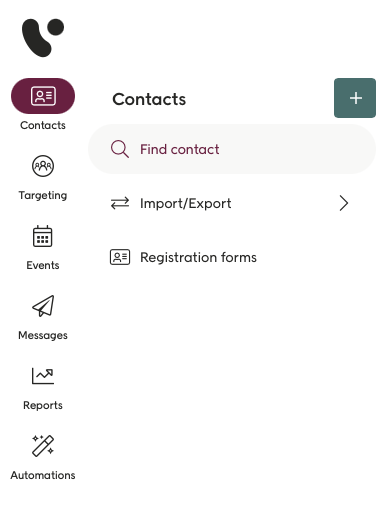
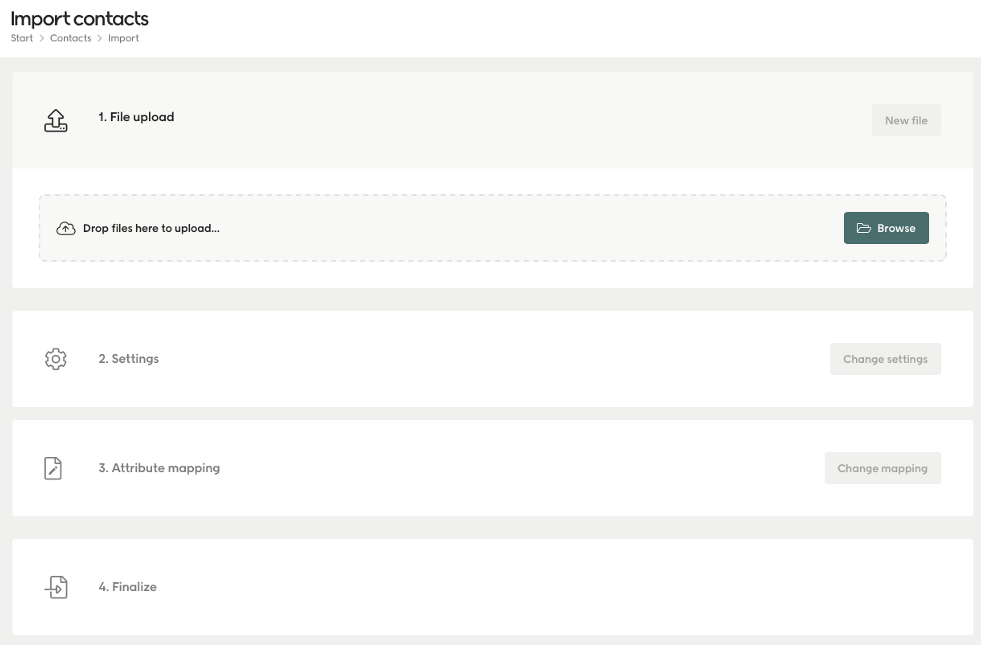 )
)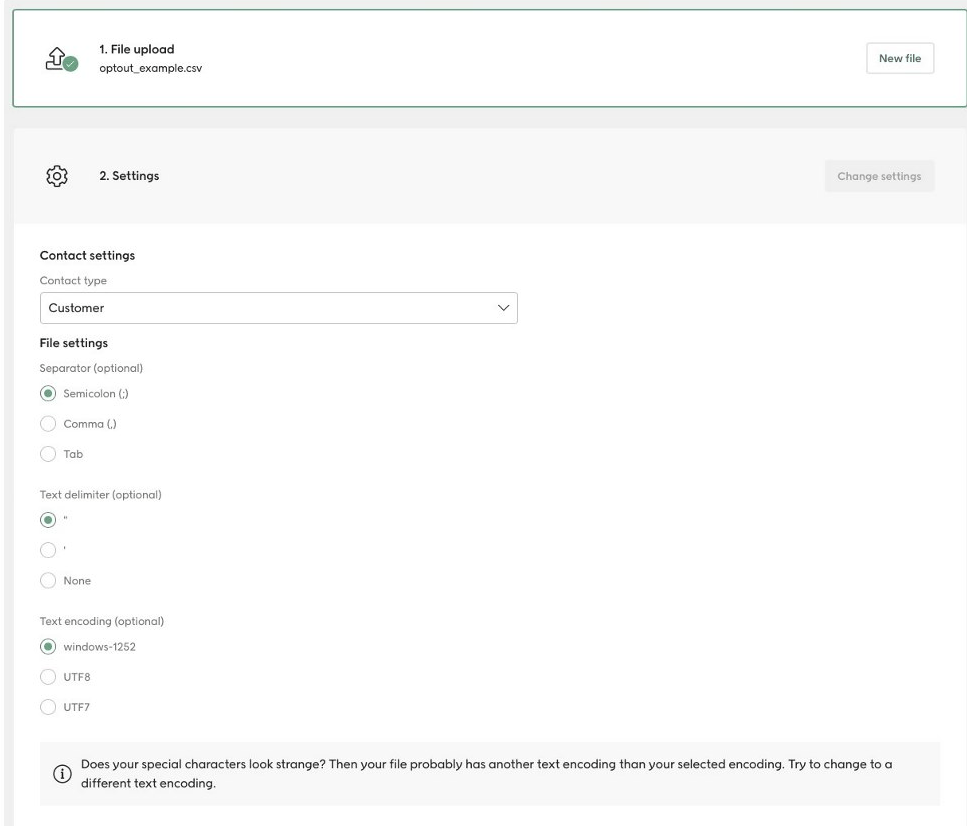 )
)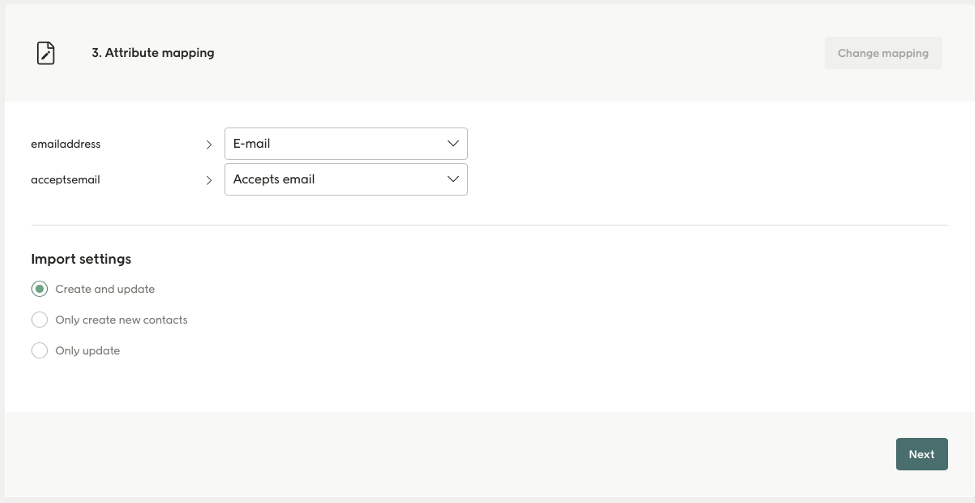 )
)- Create and update: If you’re importing new contacts or a mix or old and new.
- Only create new contacts: If you’re sure you’re just creating new contacts.
- Only Update: If you’re sure you’re only updating existing contacts.
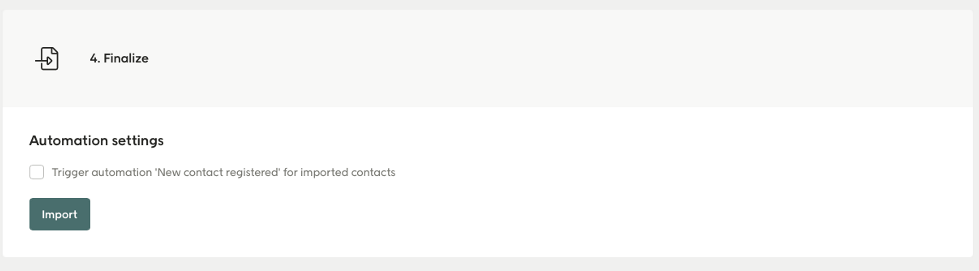 )
)